Three sounds at once
Chord Circuit plays three parts, each with its own sound. Change them with ◀ ▶ at the top of the main screen, or on the Patch page under Patch/FX.
| Part | What it plays | Sounds |
|---|---|---|
| Synth | The chords from the pads | 43 sounds in four families: Synthwave pads and brass, Lo-fi keys and tape choirs, Chiptune game sounds and EDM plucks and supersaws |
| Keys | The strings and the piano, for strums and melodies | 25 sounds, from soft harps and Rain Pluck to Flute Lead and Festival Lead |
| Bass | The bass line | 8 sounds: Sine sub, Reese, Square bass, 808, 80s Analog, Acid, Digital Slap and Chip Triangle |
On the Patch page, the synth and keys (called Strum sound) each have a volume and a Tone slider to make them darker or brighter. The bass has volume, attack, octave, glide and bite.
Pluck or Lead
Pluck
Notes ring out by themselves after you tap, like a harp or a guitar. Good for strums and arpeggio-style melodies.
Lead
Notes hold while your finger stays down and stop when you lift it, like a synth lead or a flute. Good for melodies.
The sound editors
Tap Open synth editor on the Patch page to shape a sound yourself. Tabs at the top switch between the Chord (synth) and Keys sounds, and the sections are Oscillators, Filter, Envelope, Movement and Pitch.
- Change anything and listen as you go. Start with the filter: it makes the biggest difference, from muffled to bright.
- Save keeps your sound so it appears in the list.
- Reset takes you back to the patch you started editing from.
- Tap ⤢ Big on a section for large sliders that are easier to move.
FX presets
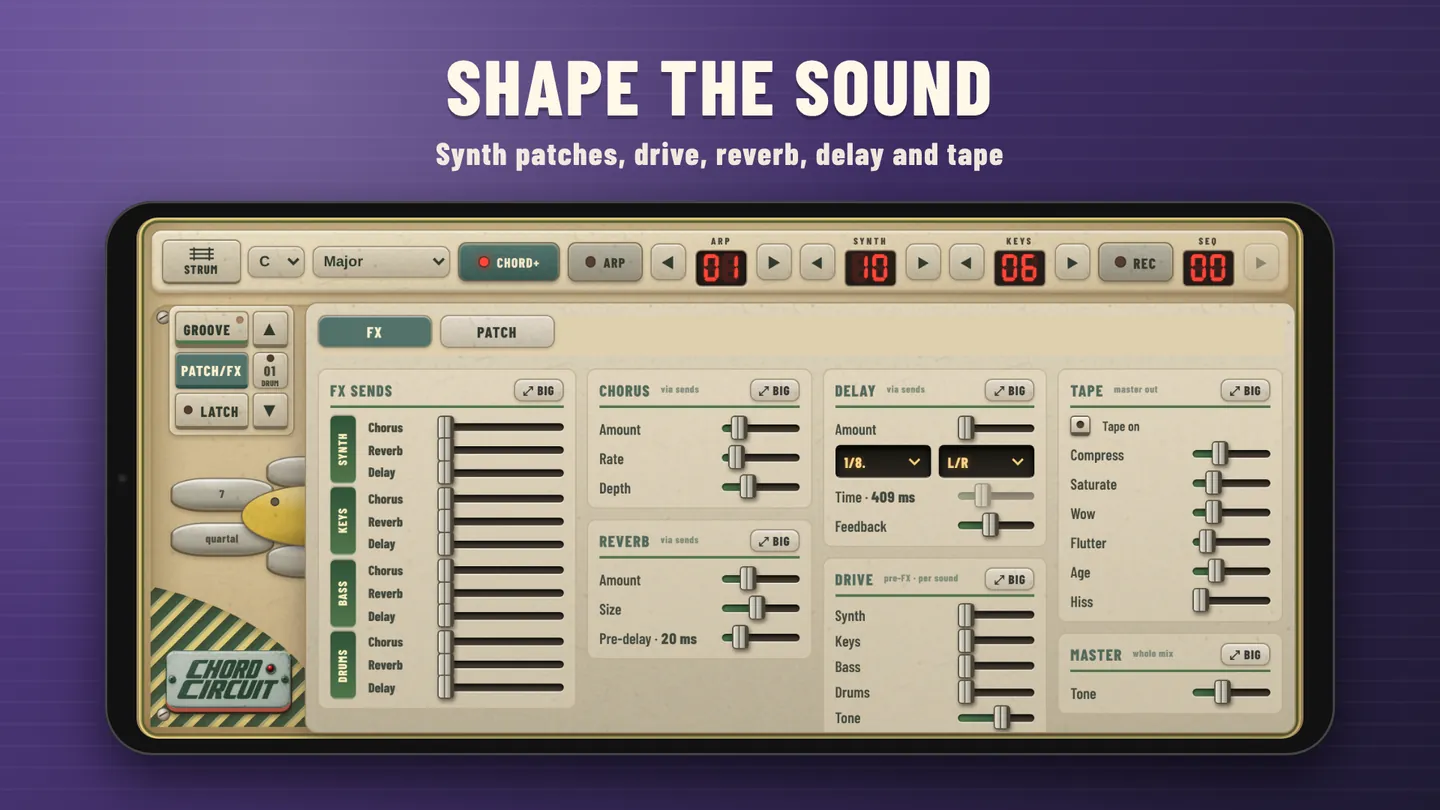
On the FX page, the FX preset menu sets every effect and send at once. Pick one, then adjust from there.
| Preset | Sound |
|---|---|
| Dry | No effects at all |
| Small room | A little natural space |
| Big hall | Long, wide reverb |
| Dreamy | Chorus, big reverb and slow echoes |
| Echo lead | Rhythmic delay on the keys, for melodies that ring out |
| Synthwave | Chorus, roomy reverb, echoes and a touch of drive |
| Lo-fi tape | Warm, worn cassette sound, slightly darker |
| VHS ’84 | Wobbly old video tape: strong chorus and tape age |
| Dub | Long, repeating echoes on keys and drums |
| Garage grit | Drive on everything for a rough, loud band |
- As soon as you move an effect yourself, the menu shows Custom.
- Save stores the current effects under My FX with a name you choose. Delete removes one of yours.
- Default puts every effect back to how the app starts.
The effects
Each part (Synth, Keys, Bass, Drums) has its own sends: how much of it goes to the chorus, reverb and delay. The effect settings themselves are shared.
| Effect | What it does | Main controls |
|---|---|---|
| Chorus | Thickens and widens a sound, like several players at once | Amount, rate, depth |
| Reverb | Puts the sound in a room or hall | Amount, size, pre-delay |
| Delay | Echoes that repeat in time with the tempo | Amount, timing (1/4, 1/8, dotted…), left-right or mono, feedback |
| Drive | Adds grit and edge so a sound cuts through | One amount per part, plus tone |
| Tape | Vintage tape: warmth, saturation, wobble (wow and flutter), age and hiss | On/off, drive, saturation, wow, flutter, age, hiss |
Mix & Master Tone
- Mix on the main screen opens volume faders for Synth, Keys, Bass and Drums.
- Can't hear your melody? Push Keys up and Synth down.
- Master Tone, at the bottom of the FX page, makes the whole mix darker or brighter. Lower sounds warmer and more vintage.
Colour themes
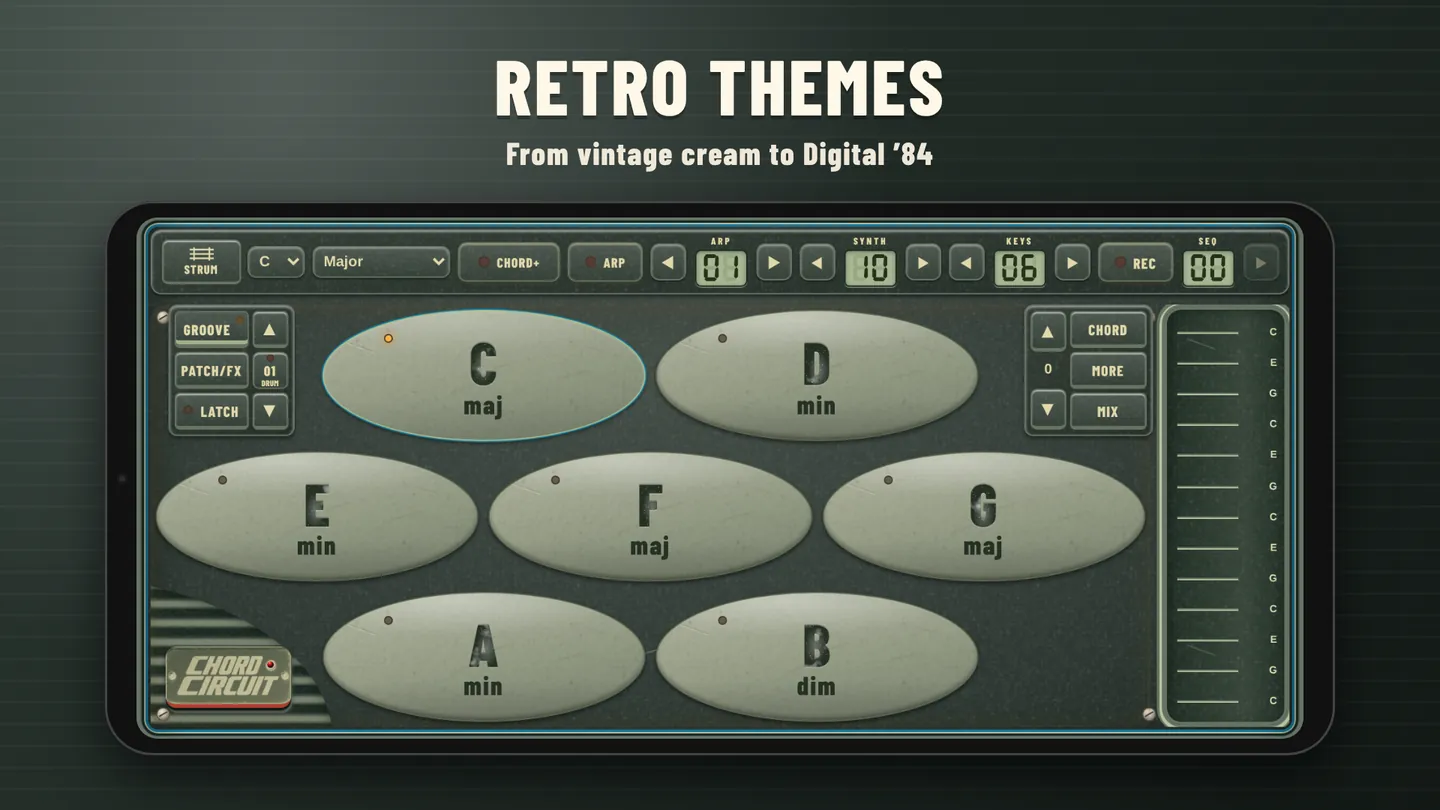
Tap the Chord Circuit badge in the bottom-left corner to change the theme: Classic, Crayon, Cream Candy, Digital ’84 or Starlight.
Sound recipes
Vintage tape
The sound from video 2.
- Keys
- 10 · Rain Pluck
- FX
- Keys delay up, tape on, a little wow, age up
- Theme
- Digital ’84
Festival lead
A melody that cuts through.
- Keys
- 23 · Festival Lead, Lead mode
- FX
- Preset Echo lead, Keys drive halfway
- Mix
- Keys up, Synth down
Late-night pad
Soft and wide.
- Synth
- 01 · Dreamy saw pad
- FX
- Preset Dreamy
- Tone
- Master Tone a little lower